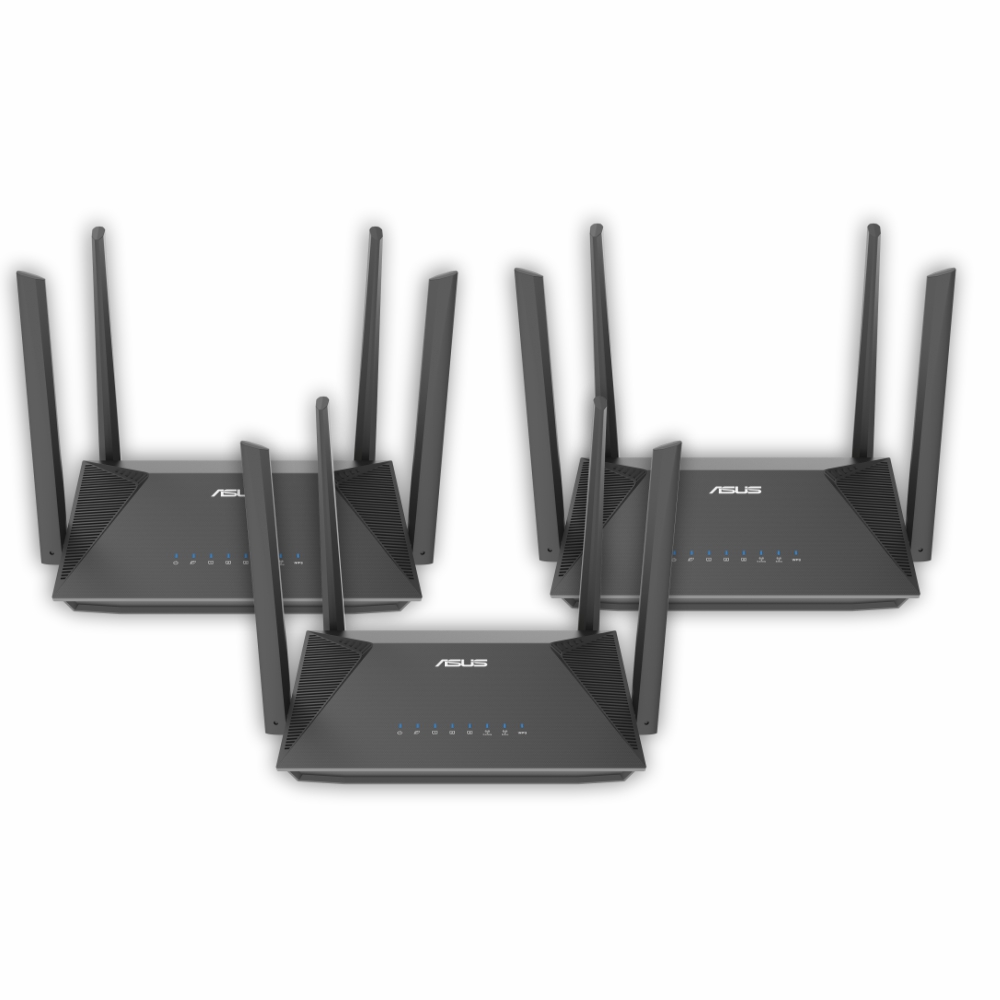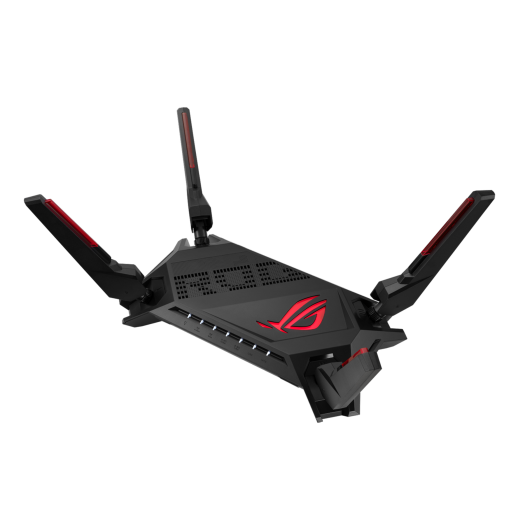
Move Internet with Ease
Let us take the hassle out of relocating your internet, giving you peace of mind on your big day. To begin, please specify if you're a new or existing home internet customer.
Australia's Most Trusted Telco
*Roy Morgan Trusted Brand Awards 2023
Australia's Most Trusted Telco
*Roy Morgan Trusted Brand Awards 2023
Australia's Most Trusted Telco
*Roy Morgan Trusted Brand Awards 2023
How to relocate your internet service
Relocate your existing Aussie Broadband service
Before you get started, make sure you have prepared the following information
- Your moving date.
- Your new service address.
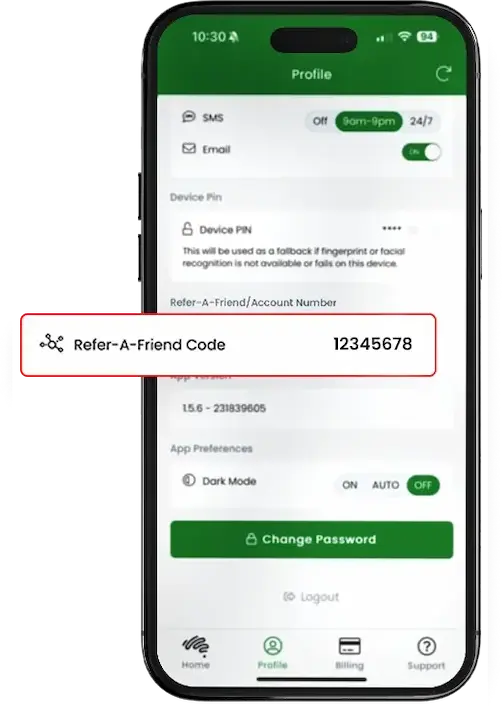
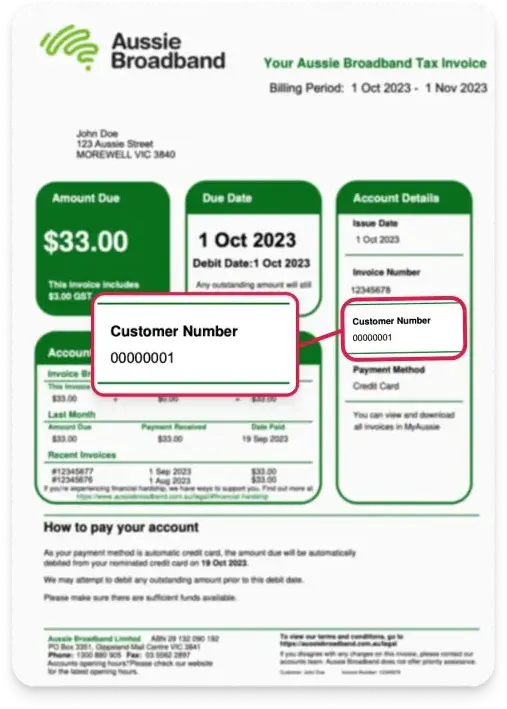
- Your Aussie Broadband Customer Number. This can be found on any of your Aussie Broadband Tax invoices under “Account Details”:
Relocating your service from another provider
We’re stoked that you’ve decided to switch over to Aussie Broadband for your new internet service. We recommend that you give our team as much notice as possible ahead of your move, so we can schedule any required work to be completed before you move in. Before you get started, make sure you prepare:
Your connection date
As a general rule of thumb, if your new address has never been connected to the nbn® before (ie: a new build), a new connection can take up to two weeks, so make sure you allow for that. If it has been connected before, then we can get you up and running within a couple of hours!
Your hardware
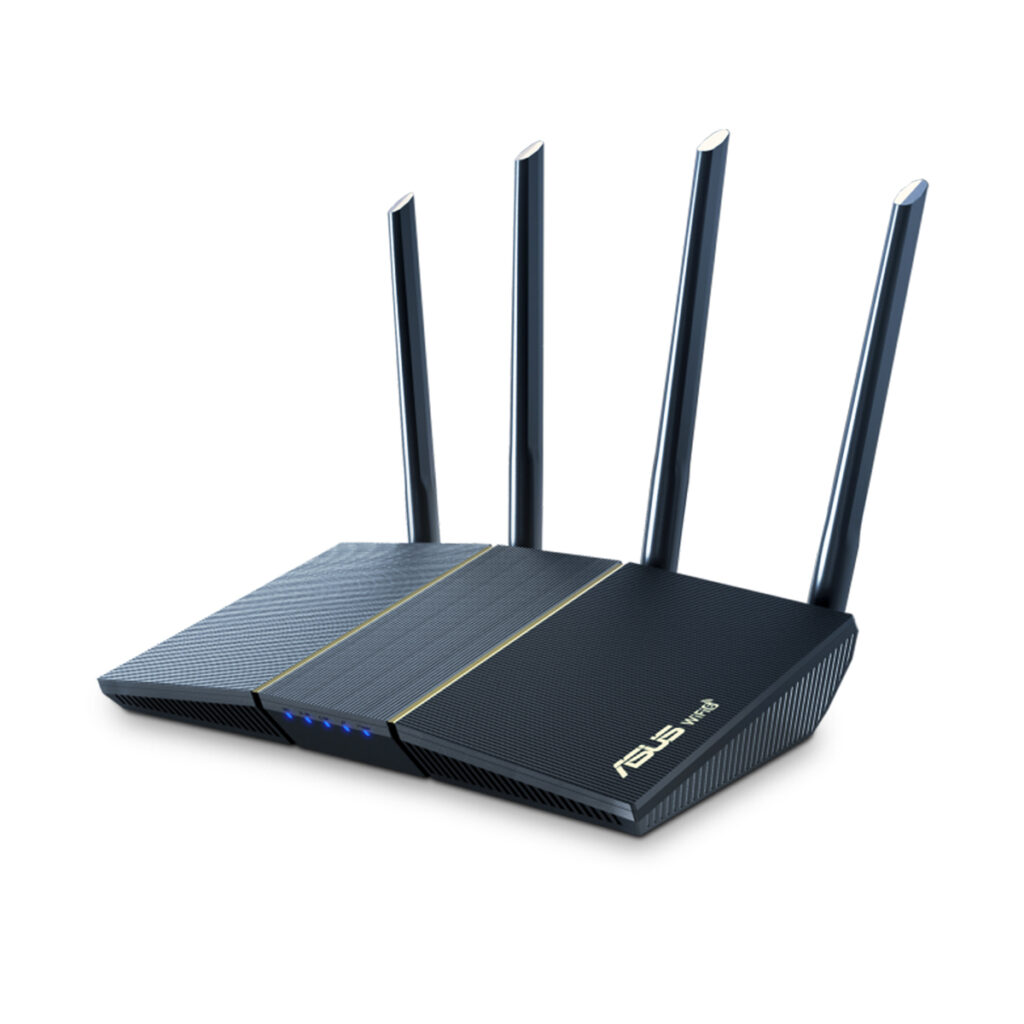
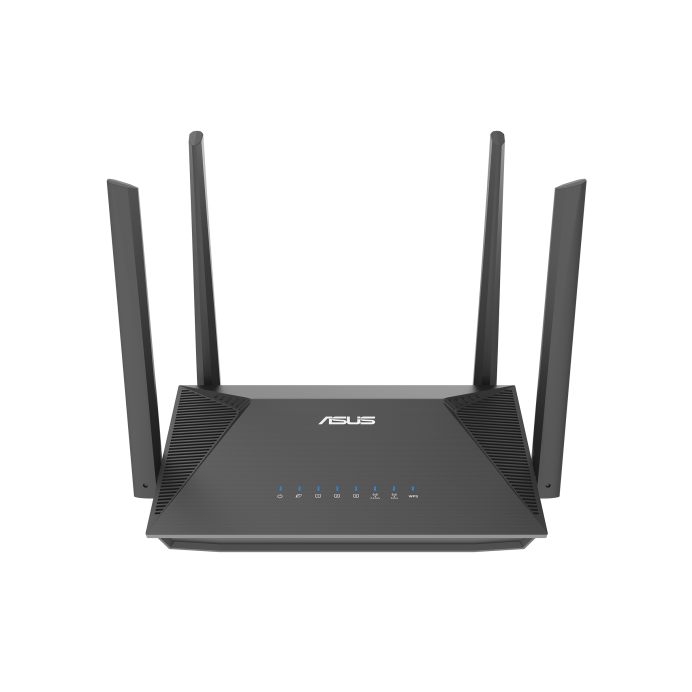
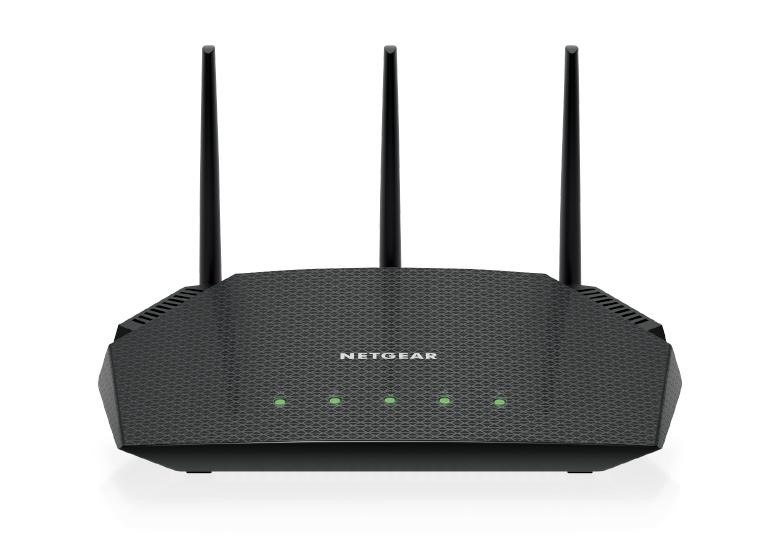
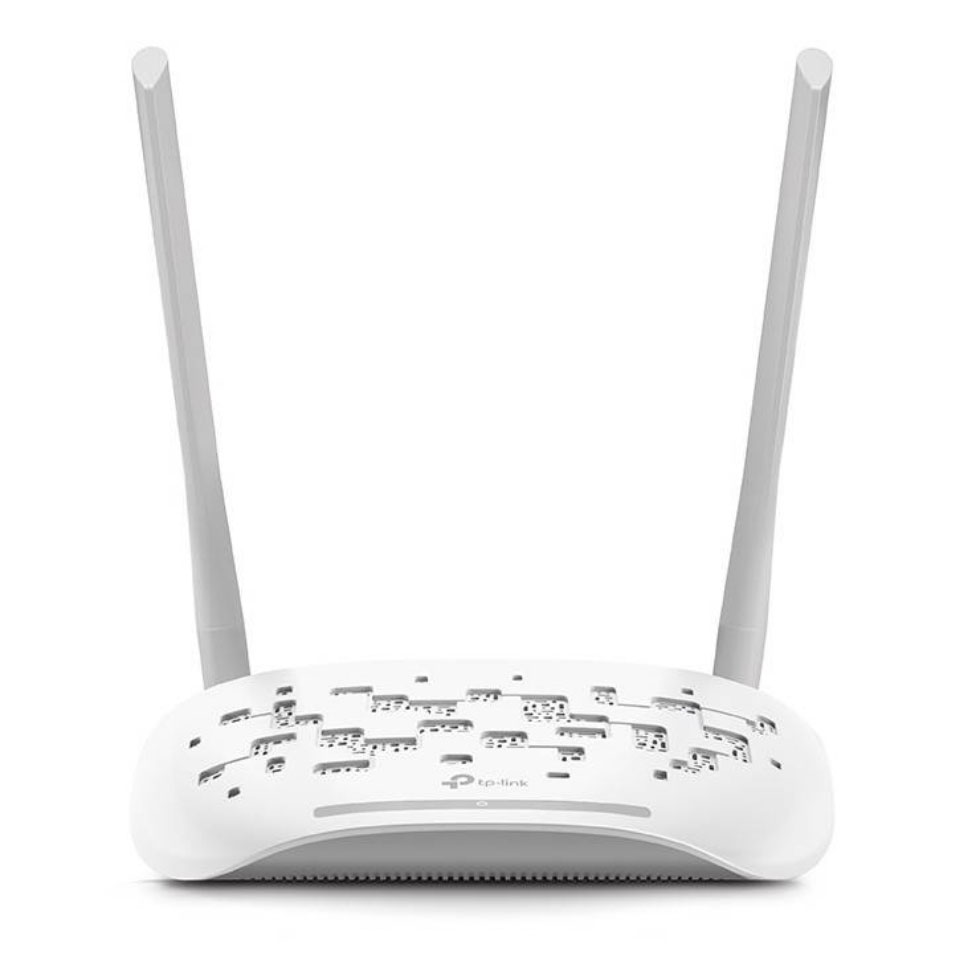
Your connection will require an nbn® compatible modem to be used. If you’re using a proprietary modem from your old provider, there’s a chance that it could be locked to their network. If you’re unsure, you can call our friendly customer service team on 1300 905 880.
Now, simply enter your new address below to build an nbn® plan that is perfect for your needs. It’s worth noting that due to differing connection types, the speeds available at your previous address may not be available at your new one.
Relocate your internet service
Step 1: Click below to login and verify your Aussie Broadband account.
Verify your account
Step 2: Enter your new service address into the box below and proceed to build your desired plan.
Step 3: Start the checkout process. You will notice your existing contact details have been pre-filled. If you need to change them, please contact us on 1300 880 905.
Step 4: Select your new service address as your billing address in the contact information step.
Step 5: On the connection details step, select your existing service address. Enter the dates that you want your existing service disconnected, and your new service connected.
Note: If your new address has never had an nbn® connection before (ie: a new build), it can take up to two weeks to get connected. Otherwise, connection takes as little as 15 minutes.
Step 5: Continue with checkout as usual.
FAQs
How do I transfer my nbn to a new address?
- You firstly need to check the address eligibility to confirm that nbn service is available at your new address. Next is to get in touch with the phone and internet provider to arrange the nbn connection, select a starting date and time for the installation of any nbn equipment (if required) at your new home. Connect with your current ISP to notify them about the disconnection of the service at your current address.
- On moving day, you have to leave the nbn supplied equipment at your old address as the old equipment is registered to that specific address and may not work at your new house.
- After you move-in, check if the nbn service is working and you can connect to the internet. In case of any issue, contact your ISP.
Can I move broadband to new house?
- Your moving date
- Your new service address
- Your Occom Customer Account Number. This can be found on your activation email
- Getting in touch with the support team of Occom
- Service activation at new address
- Deactivation of service at current address
For more information, get in touch with us